FlixPal的功能

Premium 1080p Resolution for ARD Videos

FlixPal ARD Downloader processes your favorite shows in 1080p or 720p resolution encoded with the efficient H264 codec.

This excellent software can download ARD Mediathek content with AAC 2.0 sound and ARD+ content with AAC 5.1, AAC 2.0 audio tracks perfectly.

Separate Downloads for ARD Videos and Subtitles

With this helpful function, you can save subtitles as separate SRT files along with the video. You can be sure that you will understand every word of the conversation when you watch downloaded foreign language shows when you're not online with FlixPal ARD Downloader.

Batch Download Capabilities for Multiple ARD Videos

The batch downloading capability of FlixPal ARD Downloader allows you to select multiple episodes from an ARD series and process them all simultaneously. Your daily routine remains undisturbed because you do not have to sit in front of the computer and manually start every single video download.

FlixPal 的更多功能

MP4 or MKV Format Export for ARD Shows

FlixPal ARD Downloader saves your media files in highly compatible MP4 or MKV formats so you can easily transfer them to any smartphone or tablet. Your family will never face playback errors when trying to open these downloaded ARD videos on smart televisions or gaming consoles.

MP4 or MKV Format Export for ARD Shows

FlixPal ARD Downloader saves your media files in highly compatible MP4 or MKV formats so you can easily transfer them to any smartphone or tablet. Your family will never face playback errors when trying to open these downloaded ARD videos on smart televisions or gaming consoles.

High-Speed Downloading Performance

Advanced hardware acceleration technology inside FlixPal ARD Downloader speeds up the media saving process significantly for all your favorite shows. This reliable software can completely save a feature-length ARD Mediathek movie to your computer drive in just a few short minutes instead of several hours.

ARD Channel Subscriptions for Automatic Downloads

The subscription feature of FlixPal ARD Downloader allows you to follow specific ARD channels and television shows effortlessly. This smart program will automatically monitor your subscriptions and download new episodes in the background as soon as they become available on the streaming platform.

如何使用FlixPal?

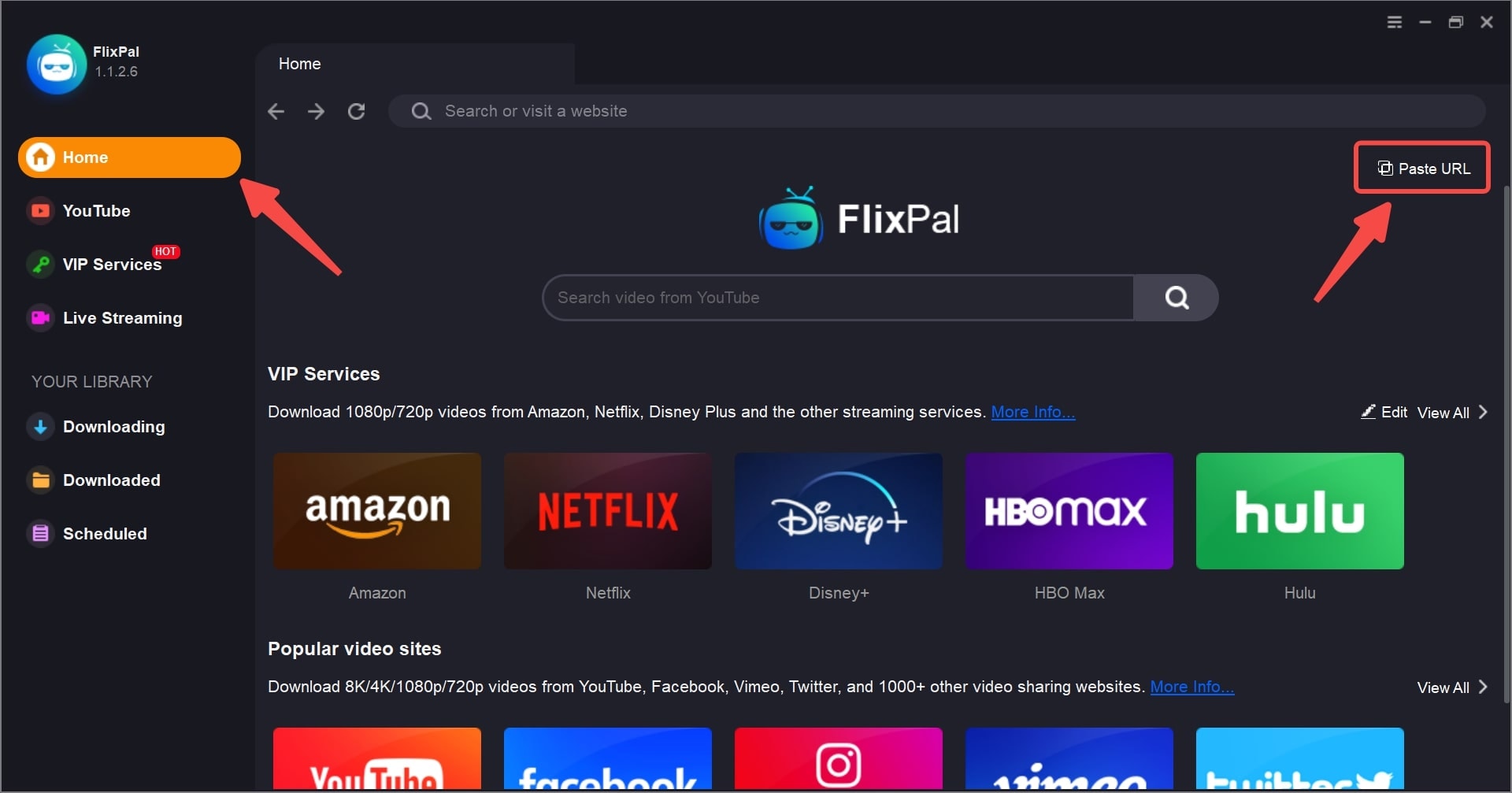
Open FlixPal and select the ARD icon from "VIP Services".
第一步

Open FlixPal and select the ARD icon from "VIP Services".

第二步

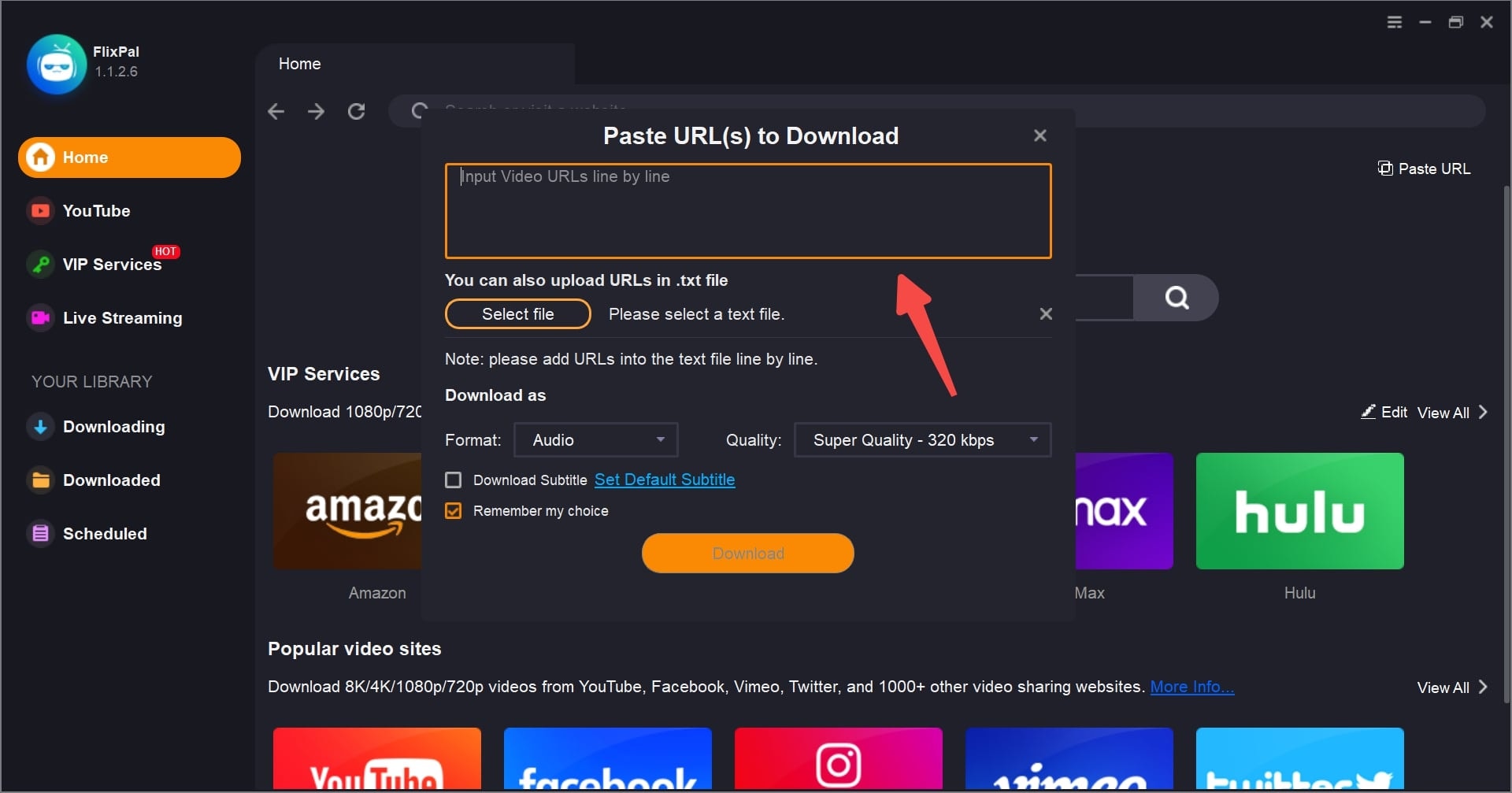
Play the video you wish to save. FlixPal will automatically analyze the content and pop up a download window. Select your desired resolution (up to 1080p) and subtitles.

第三步

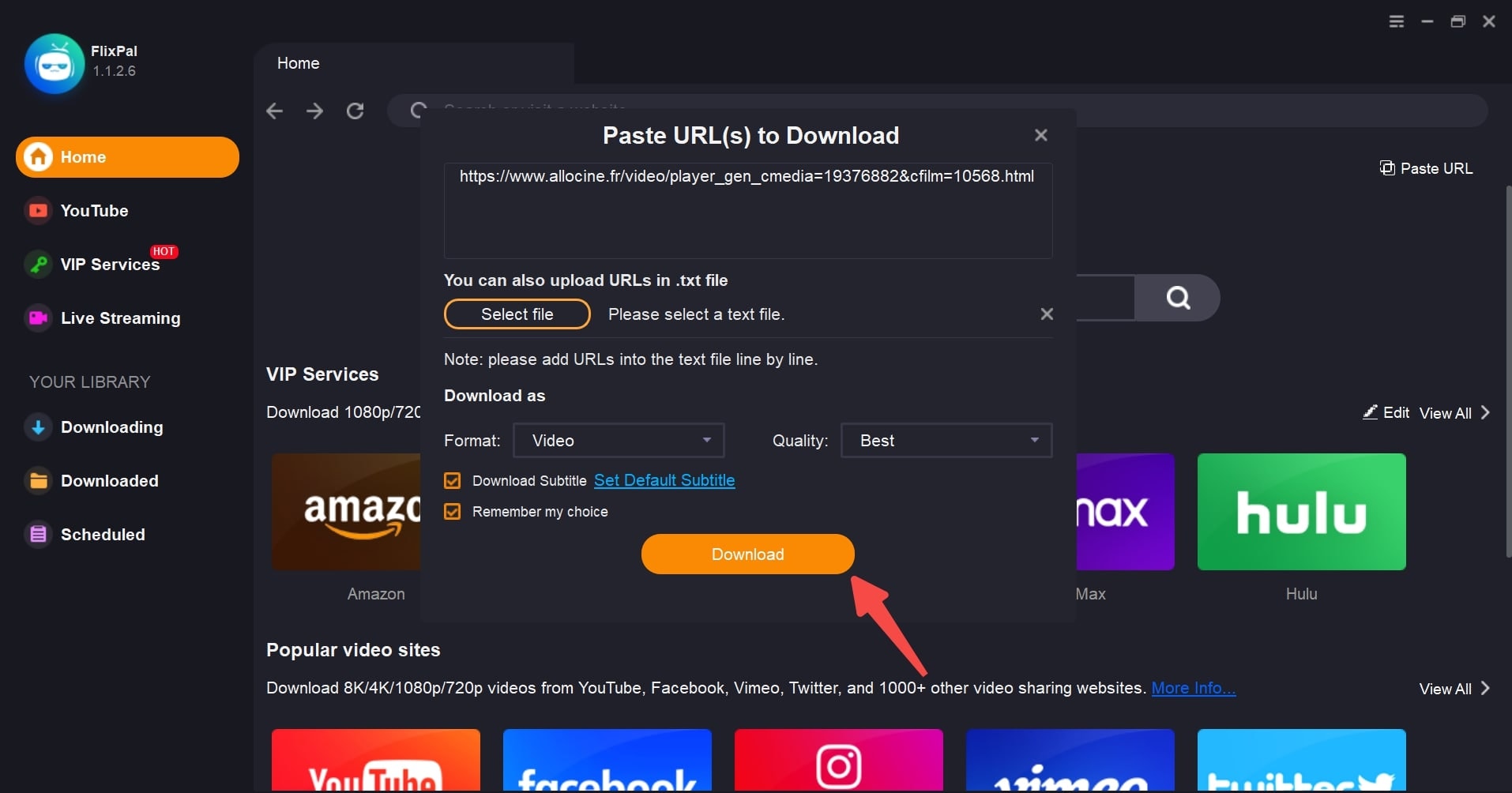
Click "Download Now". You can find the finished MP4 files in the "Downloaded" tab.

第一步
第二步
第三步
Open FlixPal and select the ARD icon from "VIP Services".
Play the video you wish to save. FlixPal will automatically analyze the content and pop up a download window. Select your desired resolution (up to 1080p) and subtitles.
Click "Download Now". You can find the finished MP4 files in the "Downloaded" tab.
Click <b>"Download Now"</b>. You can find the finished MP4 files in the "Downloaded" tab.