Features of FlixPal

Save ARTE Shows in 1080p and AAC 2.0

FlixPal ARTE Downloader secures documentaries in clear 1080p or 720p resolution. You receive high-quality video files encoded in H.264 or H.265 formats, paired perfectly with professional AAC 2.0 audio tracks for offline viewing.

Extract Subtitles as SRT Files

ARTE provides official subtitles in six major languages. FlixPal ARTE Downloader can easily extract French, German, or English text and save them directly to your device as independent SRT files.

Process Multiple ARTE Episodes at Once

Stop adding links one by one. Select entire documentary series and let the software process them in bulk. Trusted by 170+ anti-virus vendors, FlixPal ARTE Downloader handles multiple tasks safely and simultaneously.

More Features of FlixPal

Download ARTE Videos as MP4 or MKV

Standard video formats guarantee smooth playback everywhere. FlixPal ARTE Downloader downloads ARTE videos in universal MP4 or MKV formats to watch them on smart TVs, tablets, or phones without any compatibility issues.

Download ARTE Videos as MP4 or MKV

Standard video formats guarantee smooth playback everywhere. FlixPal ARTE Downloader downloads ARTE videos in universal MP4 or MKV formats to watch them on smart TVs, tablets, or phones without any compatibility issues.

Download 10x Faster with GPU Boost

Hardware acceleration reduces your waiting time drastically. By using FlixPal, you achieve a 10x faster speed when downloading heavy H.265 media files. Build your offline library quickly.

Automate Your ARTE Downloads

Set a specific time for the software to fetch new releases. FlixPal ARTE Downloader will automatically check for fresh episodes and save them in the background. We also provide free tech updates to keep this running smoothly.

Auto-Select Your Preferred Audio

Set up your default language preferences once. FlixPal ARTE Downloader automatically picks the correct audio track and subtitle language for every new video.

How to Use

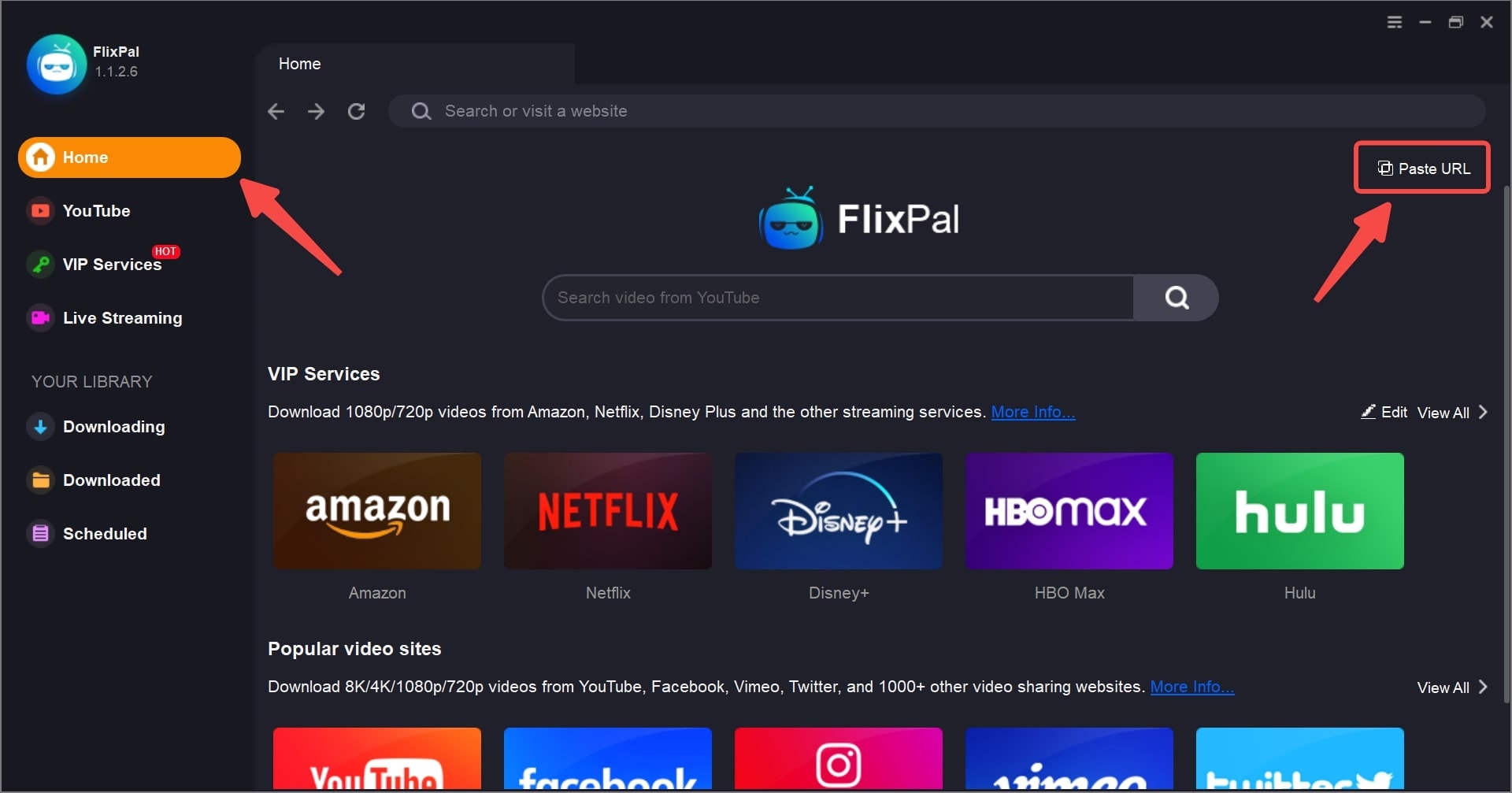
Open FlixPal and select the ARTE icon from "VIP Services".
Step 1

Open FlixPal and select the ARTE icon from "VIP Services".

Step 2

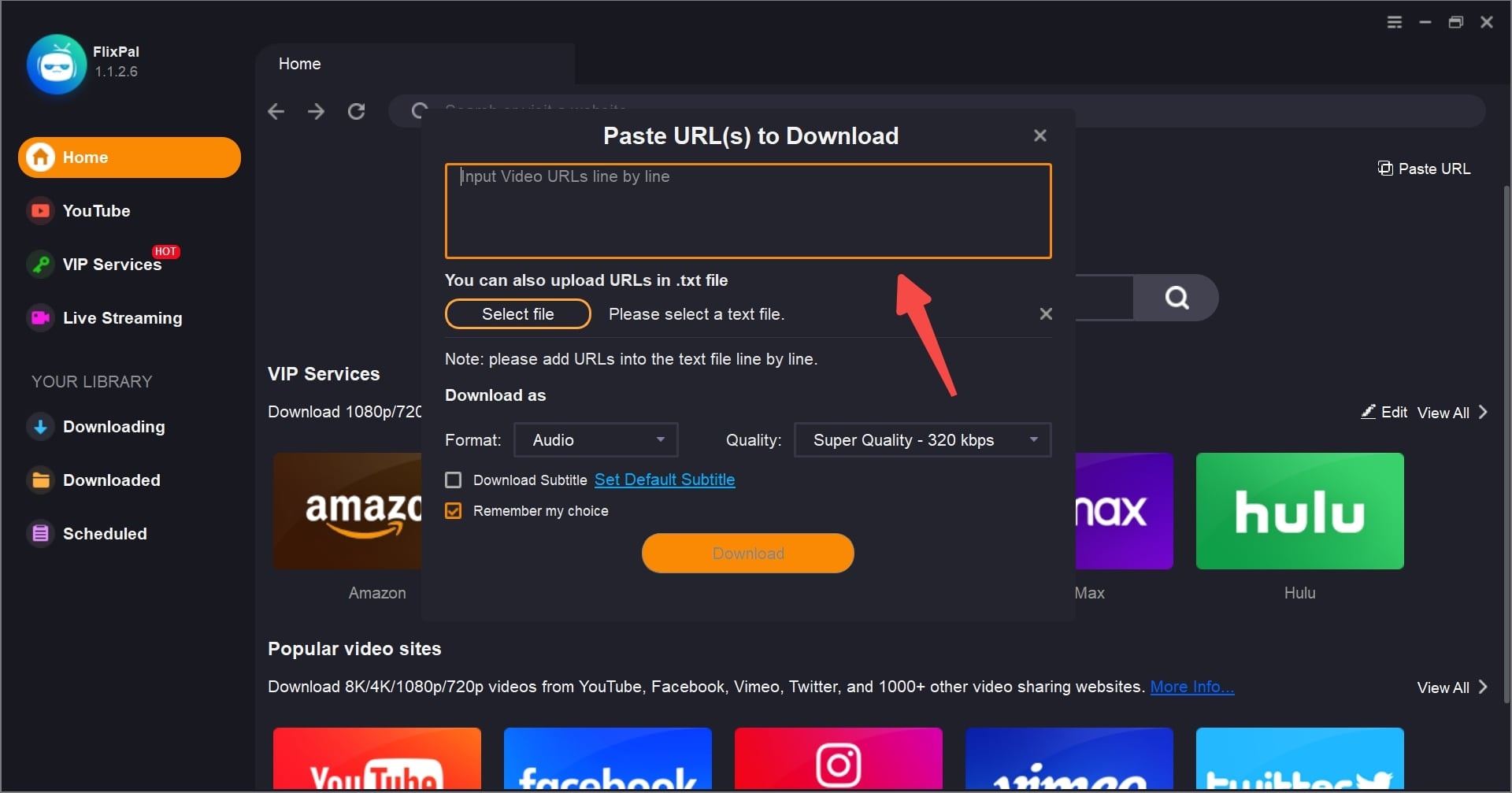
Play the video you wish to save. FlixPal will automatically analyze the content and pop up a download window. Select your desired resolution (up to 1080p) and subtitles.

Step 3

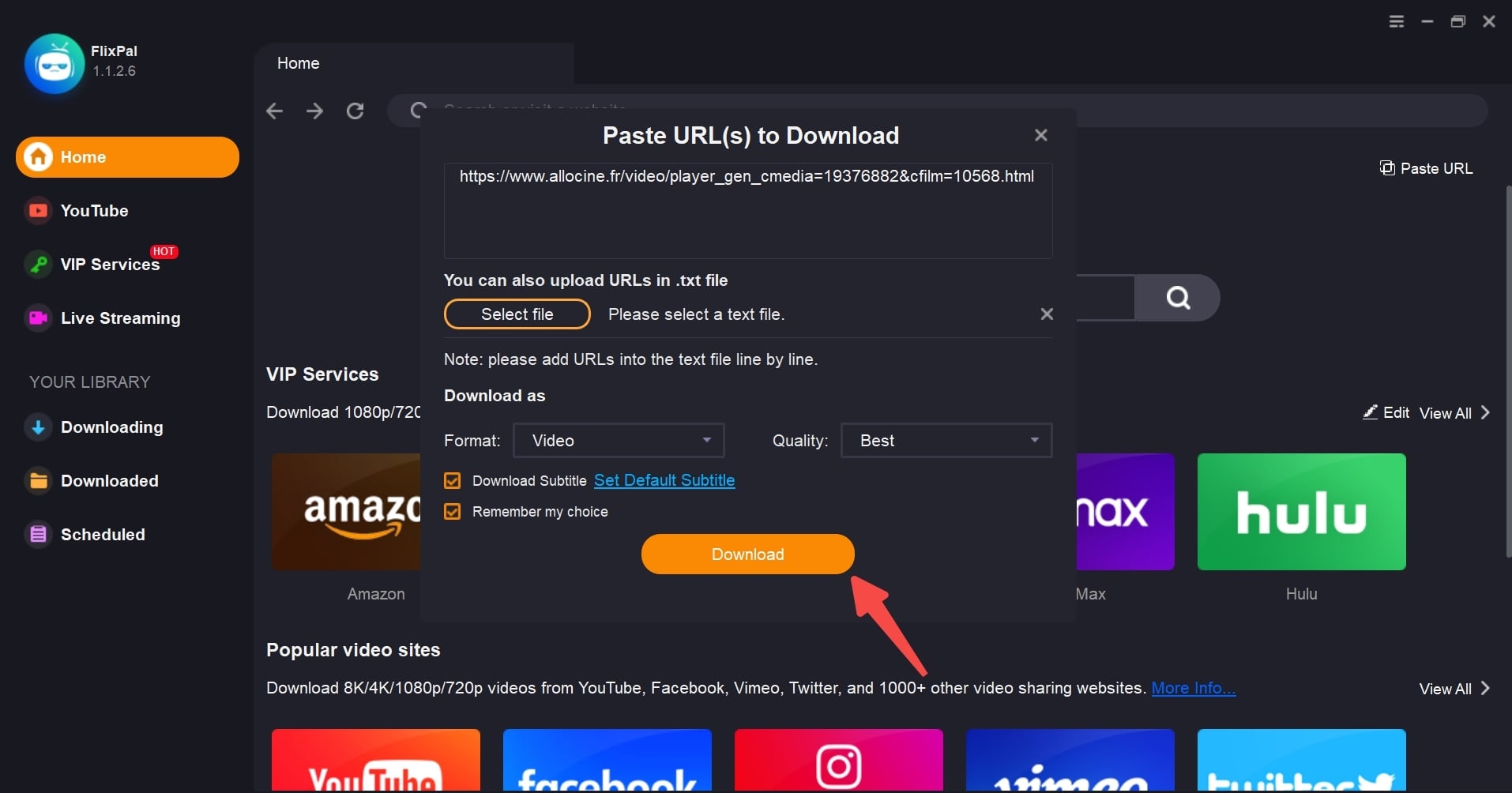
Click "Download Now". You can find the finished MP4 files in the "Downloads" tab.

Step 1
Step 2
Step 3
Open FlixPal and select the ARTE icon from "VIP Services".
Play the video you wish to save. FlixPal will automatically analyze the content and pop up a download window. Select your desired resolution (up to 1080p) and subtitles.
Click "Download Now". You can find the finished MP4 files in the "Downloads" tab.
Click <b>"Download Now"</b>. You can find the finished MP4 files in the "Downloads" tab.