Features of FlixPal

Download High-Quality 1080p Fansly Videos

With FlixPal, your Fansly downloads come out in 1080p. Even if you put the video on a bigger screen, it stays clear. It also preserves the original AAC 2.0 audio track, so you don't have to worry about sound being muffled or playback problems on your devices.

Save Multiple Fansly Videos at Once

Going through and downloading videos one at a time is tedious, especially if you follow multiple creators.

FlixPal allows you to queue up multiple files to download together. This makes it much simpler to back up your purchased posts and organize your offline collection without sitting at your computer all day clicking buttons.

More Features of FlixPal

Export as Standard MP4 or MKV Files

All downloads are saved as highly compatible MP4 or MKV files. You won't need to install any specific media players to watch these formats because they work with all of them. You may manage your local library anyway you want by simply moving the content to your phone, tablet, or laptop.

Export as Standard MP4 or MKV Files

All downloads are saved as highly compatible MP4 or MKV files. You won't need to install any specific media players to watch these formats because they work with all of them. You may manage your local library anyway you want by simply moving the content to your phone, tablet, or laptop.

Fast Saving Fansly Videos with Built-In Browser

Built for efficiency, FlixPal helps you save Fansly videos quickly and maintain a smooth workflow when collecting creator content. Browse Fansly inside the app, open the video you want, and start the download process in a simple, direct way.

Auto-Download New Creator Updates

Instead of constantly checking if your favorite creators have posted something new, you can set up FlixPal to do it for you. The software can automatically detect and download new content from the profiles you track, so their latest videos are already saved to your drive whenever you are ready to watch.

How to Use

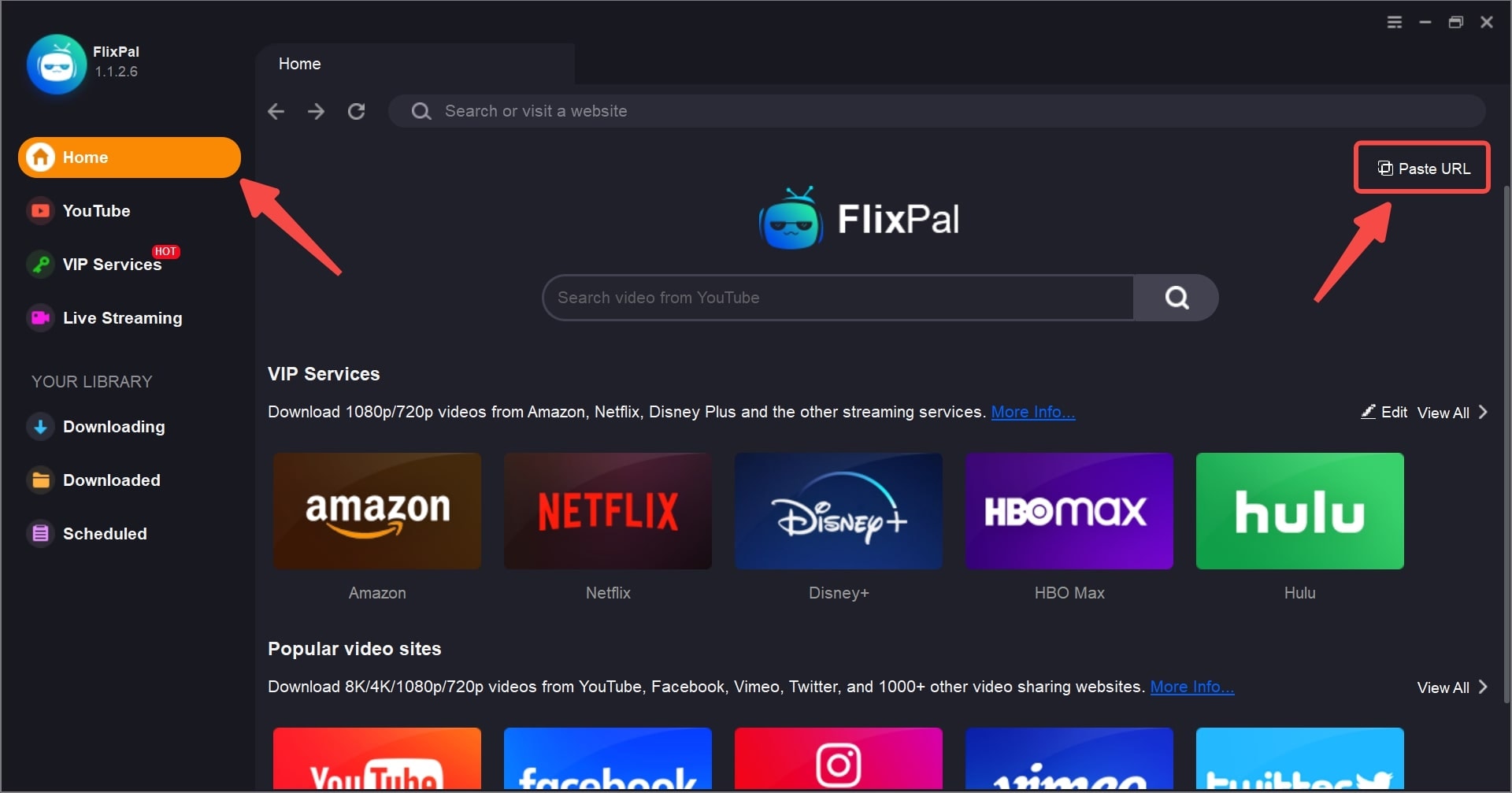
Launch FlixPal and Access Fansly
Step 1

Launch FlixPal and Access Fansly

Step 2

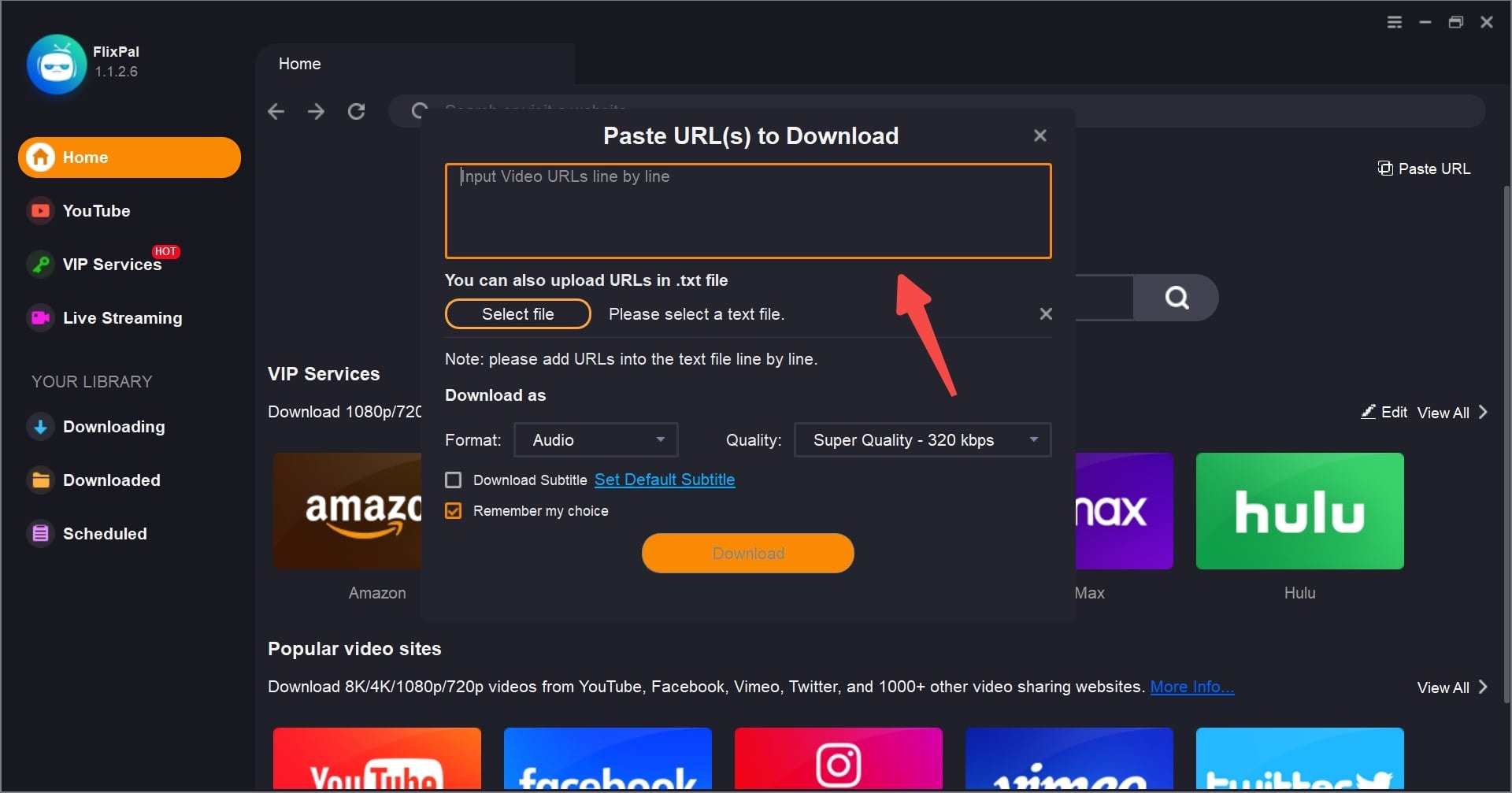
Locate and Customize the Fansly Video

Step 3

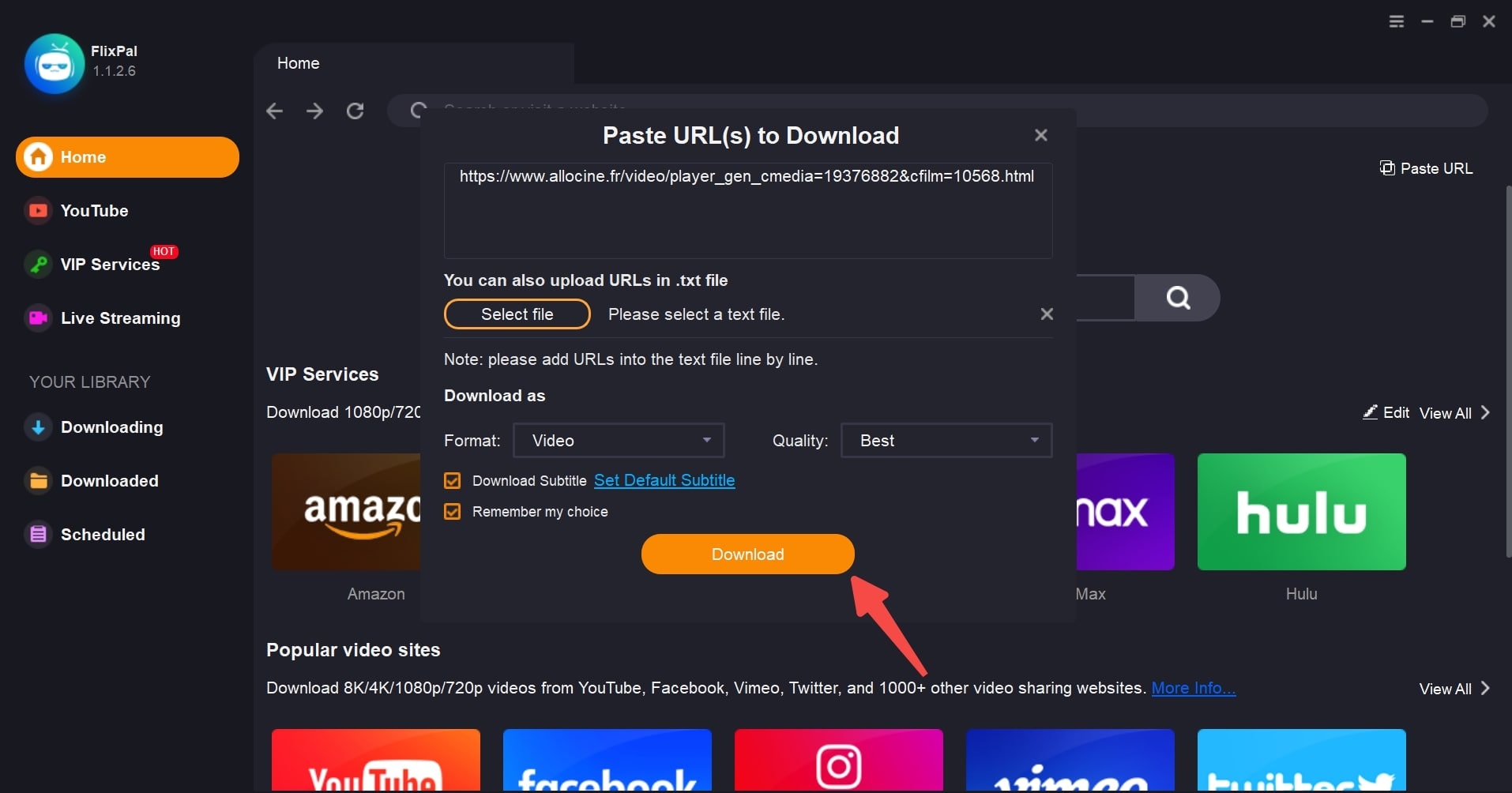
Download Your Preferred Fansly Video

Step 1
Step 2
Step 3
Launch FlixPal and Access Fansly
Locate and Customize the Fansly Video
Download Your Preferred Fansly Video