Features of FlixPal

Download BBC iPlayer Videos in Stunning 4K Quality

Download BBC iPlayer programmes in 4K, 1080p, or 720p and enjoy crisp visuals with AAC 2.0 audio. From dramas and documentaries to entertainment shows, FlixPal preserves the quality of your favourites for a more immersive offline viewing experience.

Enjoy BBC iPlayer Videos Without Ads

FlixPal removes ads from downloaded BBC iPlayer videos, so you can enjoy dramas, documentaries, and other programmes without unnecessary interruptions. Save what you want to watch and settle into a smoother offline viewing experience from start to finish.

Keep Subtitles with Your BBC iPlayer Downloads

Keep subtitles when downloading BBC iPlayer videos with FlixPal. You can save the available subtitle tracks along with your favourite programmes, making it easier to follow dialogue, watch in different environments, or enjoy content with subtitles whenever you prefer.

Save Multiple BBC iPlayer Episodes at Once

Queue up multiple episodes or programmes and let FlixPal handle them in one go. Batch downloading saves time when preparing a full series or documentary collection, while downloaded metadata helps keep your offline library better organized.

More Features of FlixPal

Save BBC iPlayer Videos in MP4 or MKV

Save BBC iPlayer videos as MP4 or MKV files with H.264 or H.265 codec options. Choose the combination that works best for your playback and storage needs, and enjoy greater flexibility when watching offline.

Save BBC iPlayer Videos in MP4 or MKV

Save BBC iPlayer videos as MP4 or MKV files with H.264 or H.265 codec options. Choose the combination that works best for your playback and storage needs, and enjoy greater flexibility when watching offline.

Enjoy Faster BBC iPlayer Downloads with GPU Acceleration

Powered by GPU acceleration, FlixPal helps process BBC iPlayer downloads faster and more efficiently. Spend less time waiting and get episodes, series, and other programmes ready for offline viewing sooner.

Auto-Download New Episodes, Never Miss an Update

Subscribe to your favourite BBC iPlayer series in FlixPal and schedule automatic downloads for newly released episodes. Once set up, FlixPal can check for updates and download new episodes without requiring you to add them one by one.

Enjoy BBC iPlayer in Your Preferred Language

When multiple languages are available in the original BBC iPlayer video, FlixPal lets you download your preferred audio tracks and subtitles. Keep the language options you need and enjoy a more personalized offline viewing experience.

How to Use

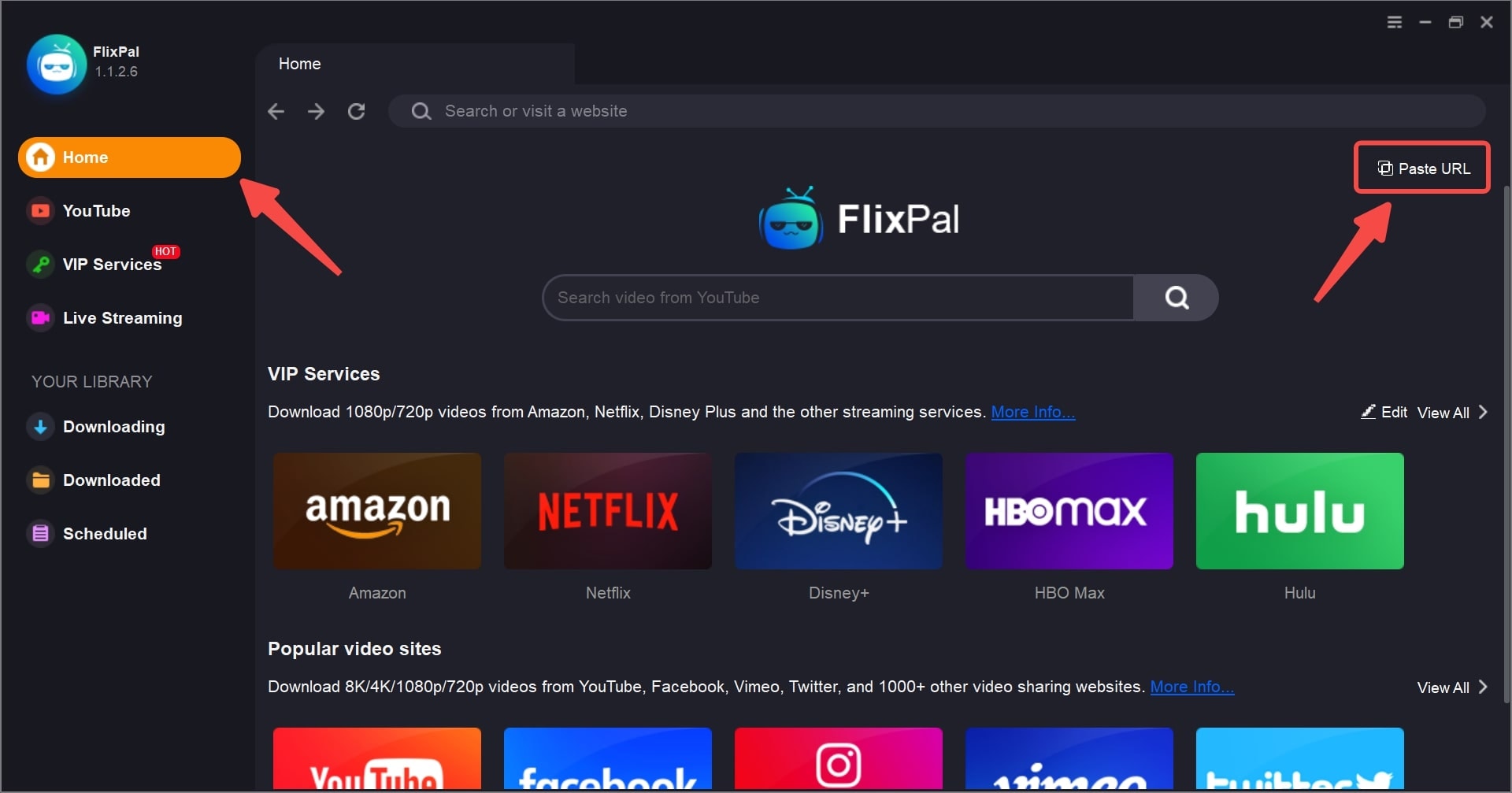
Launch FlixPal and select BBC iPlayer from “VIP Services”.
Step 1

Launch FlixPal and select BBC iPlayer from “VIP Services”.

Step 2

Sign in to BBC iPlayer, then find and play the video you want to download.

Step 3

Choose your preferred video, audio, and subtitle settings, then click “Download Now”.

Step 1
Step 2
Step 3
Launch FlixPal and select BBC iPlayer from “VIP Services”.
Sign in to BBC iPlayer, then find and play the video you want to download.
Choose your preferred video, audio, and subtitle settings, then click “Download Now”.