Features of FlixPal

Download ReelShort Videos in High-Quality 1080p

FlixPal downloads ReelShort episodes in up to 1080p resolution while preserving clear AAC 2.0 audio for a balanced viewing experience. You can also choose between H.264 and H.265 encoding. H.264 offers broad device compatibility, while H.265 helps reduce file size without noticeably compromising image quality.

Save ReelShort Subtitles for Easier Viewing

FlixPal detects the subtitles available for each ReelShort episode and saves your selected language together with the video. You can retain subtitles within the downloaded file or save them separately when supported, making dialogue easier to follow on computers, TVs, and mobile devices.

Batch Download Complete ReelShort Series

Select multiple episodes or an entire ReelShort series instead of downloading every short chapter one by one. FlixPal processes the download queue automatically and preserves useful metadata, helping you keep episode titles and series files neatly organized.

More Features of FlixPal

Download ReelShort Episodes as MP4 or MKV Files

Save ReelShort videos in standard MP4 or MKV format for convenient playback outside the original platform. The downloaded files work with most popular media players and can be transferred to smartphones, tablets, external drives, and compatible smart TVs for offline viewing.

Download ReelShort Episodes as MP4 or MKV Files

Save ReelShort videos in standard MP4 or MKV format for convenient playback outside the original platform. The downloaded files work with most popular media players and can be transferred to smartphones, tablets, external drives, and compatible smart TVs for offline viewing.

Download ReelShort Videos Faster with the Built-In Browser

Browse ReelShort and locate the drama you want directly through FlixPal’s built-in browser. Once the video is analyzed, hardware acceleration speeds up the download process so that even a series containing dozens of short episodes can be saved efficiently.

Automatically Download Newly Released ReelShort Episodes

Add an ongoing ReelShort series to your scheduled download list and let FlixPal check for newly released episodes automatically. Fresh chapters can be added to your local collection without requiring you to reopen the series page and download each update manually.

Preselect Your Preferred ReelShort Subtitle Language

Set your preferred subtitle language before downloading, and FlixPal will automatically prioritize that option whenever it is available. The saved preference is applied to future ReelShort downloads, reducing repeated language selection when downloading multiple episodes or series.

How to Use

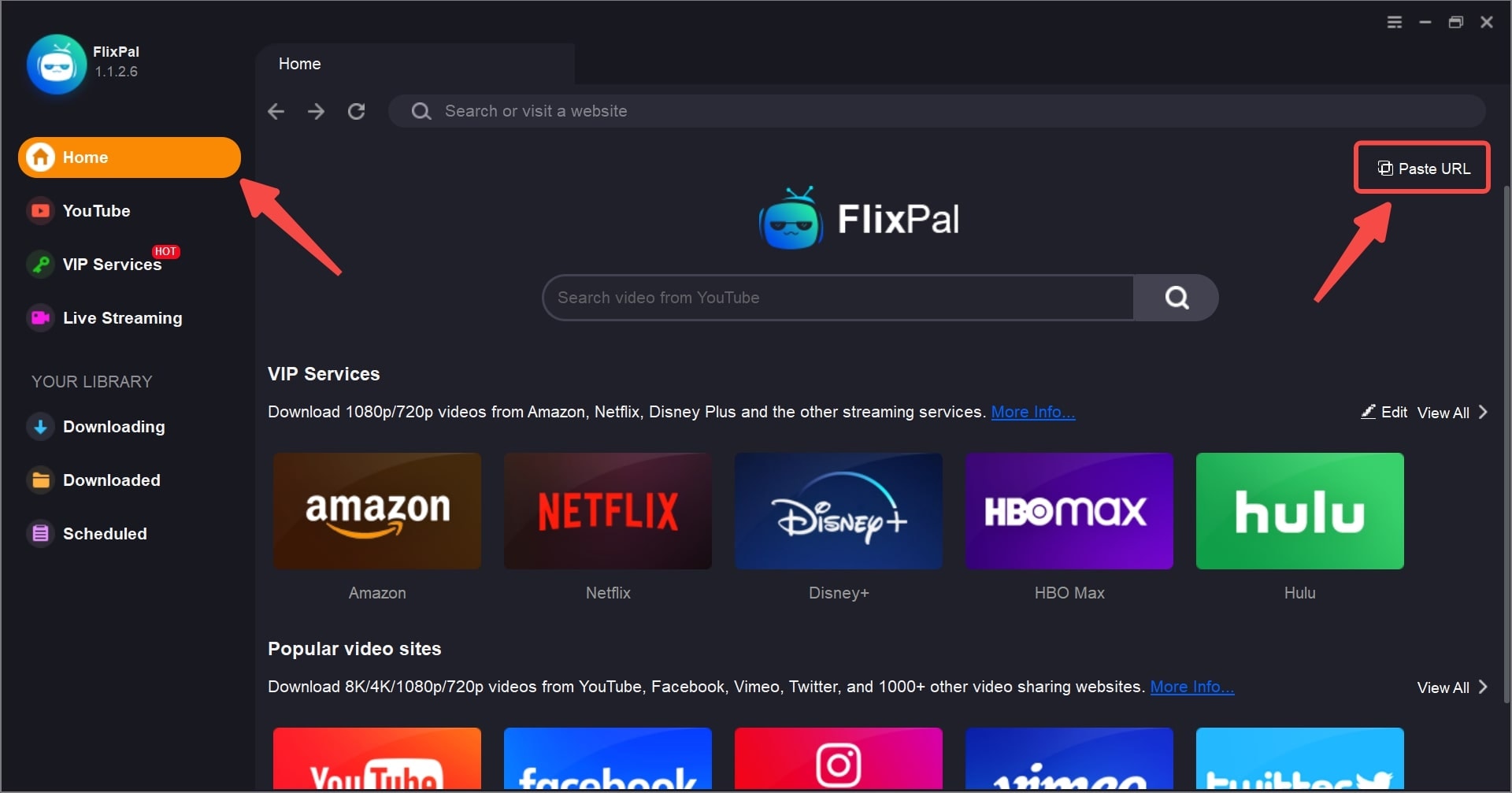
Launch FlixPal and open ReelShort through the built-in browser or the supported services section.
Step 1

Launch FlixPal and open ReelShort through the built-in browser or the supported services section.

Step 2

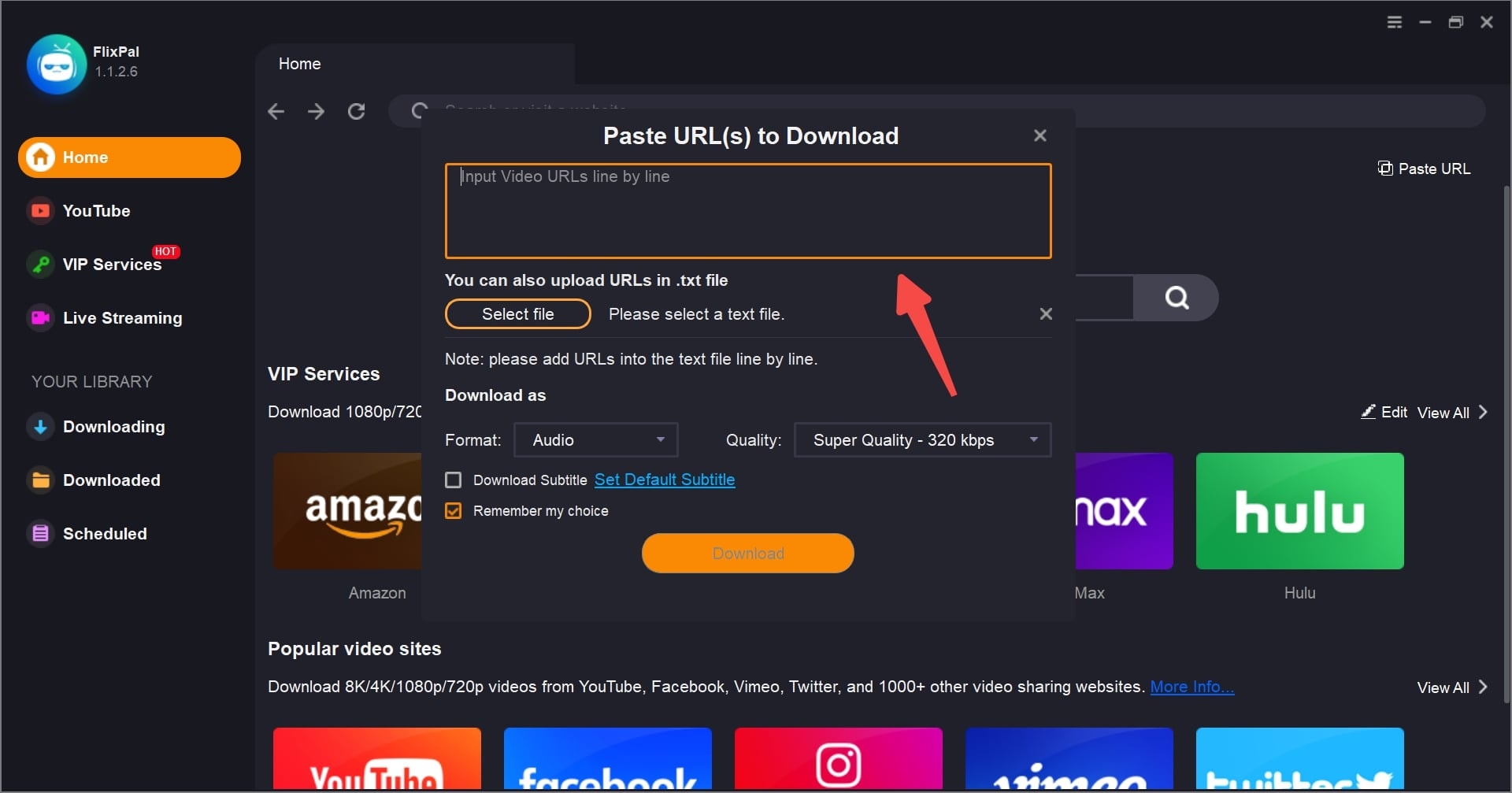
Sign in to your ReelShort account, locate the series you want to save, and play an episode for analysis.

Step 3

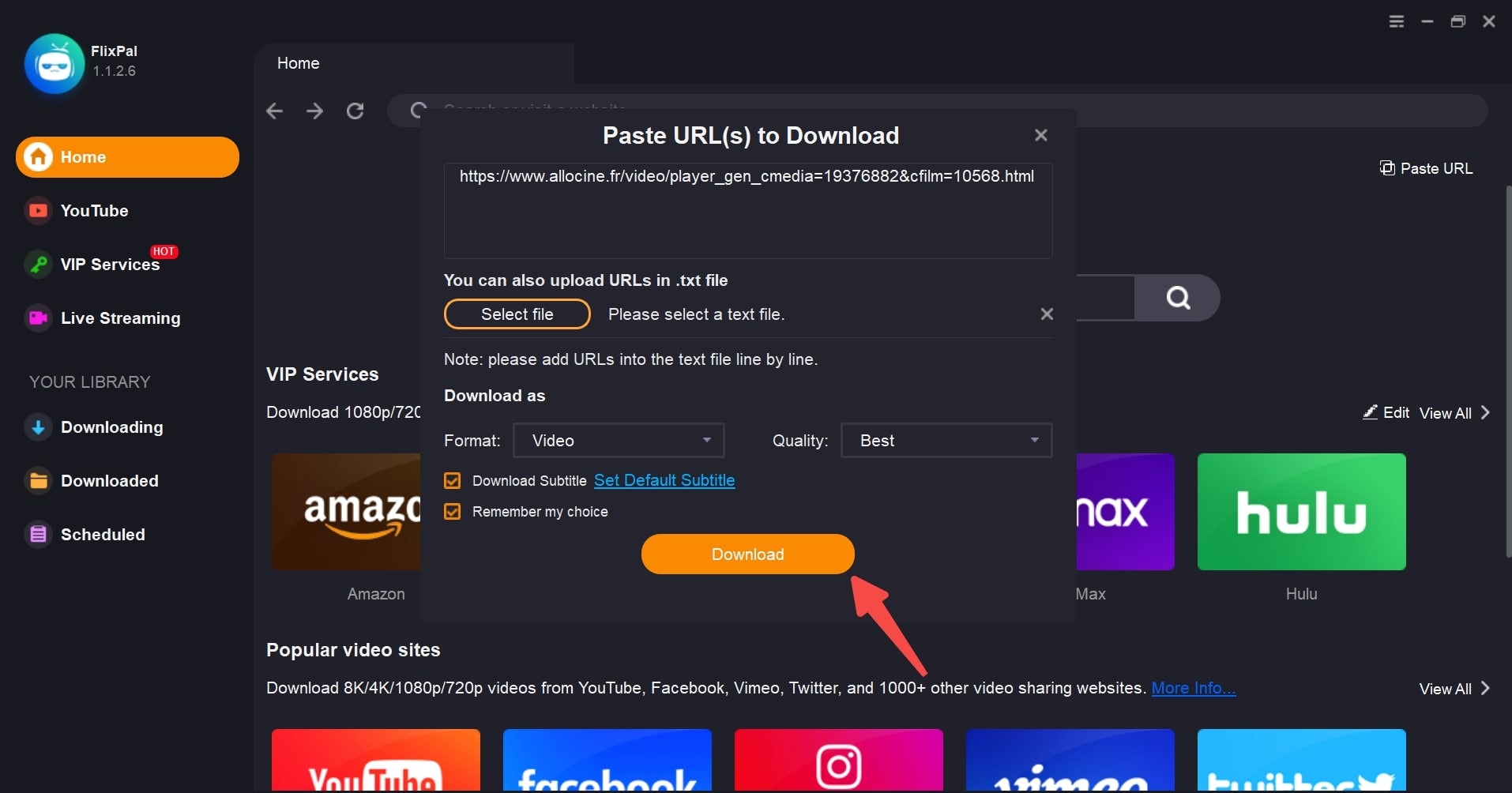
Choose the resolution, video format, codec, and subtitle language, then click Download Now to save the selected episodes to your computer.

Step 1
Step 2
Step 3
Launch FlixPal and open ReelShort through the built-in browser or the supported services section.
Sign in to your ReelShort account, locate the series you want to save, and play an episode for analysis.
Choose the resolution, video format, codec, and subtitle language, then click Download Now to save the selected episodes to your computer.