Features of FlixPal

Experience JioHotstar in Up to 4K HDR

Preserve the detail of JioHotstar movies, series, and shows in 4K, 1080p, or 720p. With support for HDR10 and Dolby Vision, FlixPal delivers richer contrast, brighter highlights, and a more vivid picture for offline viewing. JioHotstar UK supports downloads in up to 1080p SDR with AAC audio only.

Watch JioHotstar Offline with No Ad Interruptions

FlixPal removes ads from downloaded JioHotstar videos, giving you a smoother way to enjoy movies, series, sports, and other programmes offline. Once saved, your content plays continuously without commercial breaks getting in the way.

Keep the Subtitles You Need with Every Download

Save the subtitle tracks available with your JioHotstar videos and keep them ready for offline viewing. Whether you're watching multilingual films, regional series, or dialogue-heavy shows, FlixPal helps you retain the subtitles that make each title easier to follow.

Build Your JioHotstar Library with Batch Downloads

Add multiple episodes, movies, or shows to the download queue and process them together instead of one by one. FlixPal makes it easier to prepare a full series or a larger offline collection while keeping available metadata with your saved videos.

More Features of FlixPal

Keep JioHotstar Videos in MP4 or MKV

Save JioHotstar downloads as standard MP4 or MKV files for easier playback, transfer, and long-term storage. FlixPal also supports H.264 and H.265, giving you flexible encoding options for different devices and viewing setups.

Keep JioHotstar Videos in MP4 or MKV

Save JioHotstar downloads as standard MP4 or MKV files for easier playback, transfer, and long-term storage. FlixPal also supports H.264 and H.265, giving you flexible encoding options for different devices and viewing setups.

Get JioHotstar Videos Ready Faster with GPU Acceleration

FlixPal uses GPU acceleration to speed up video processing and shorten download time. Whether you're saving a single movie or several episodes, you can get your JioHotstar content ready for offline viewing more efficiently.

Keep Up with New Releases Through Scheduled Downloads

Subscribe to ongoing JioHotstar series in FlixPal and schedule automatic downloads for newly released episodes. Once set up, FlixPal can check for updates and save new content automatically, so you can stay current without adding every episode manually.

Enjoy JioHotstar in the Language You Prefer

When a JioHotstar title offers multiple audio or subtitle languages, FlixPal lets you choose the tracks you want to keep with the download. Save available language options that suit your viewing habits and enjoy more flexible offline playback.

How to Download JioHotstar Videos with FlixPal?

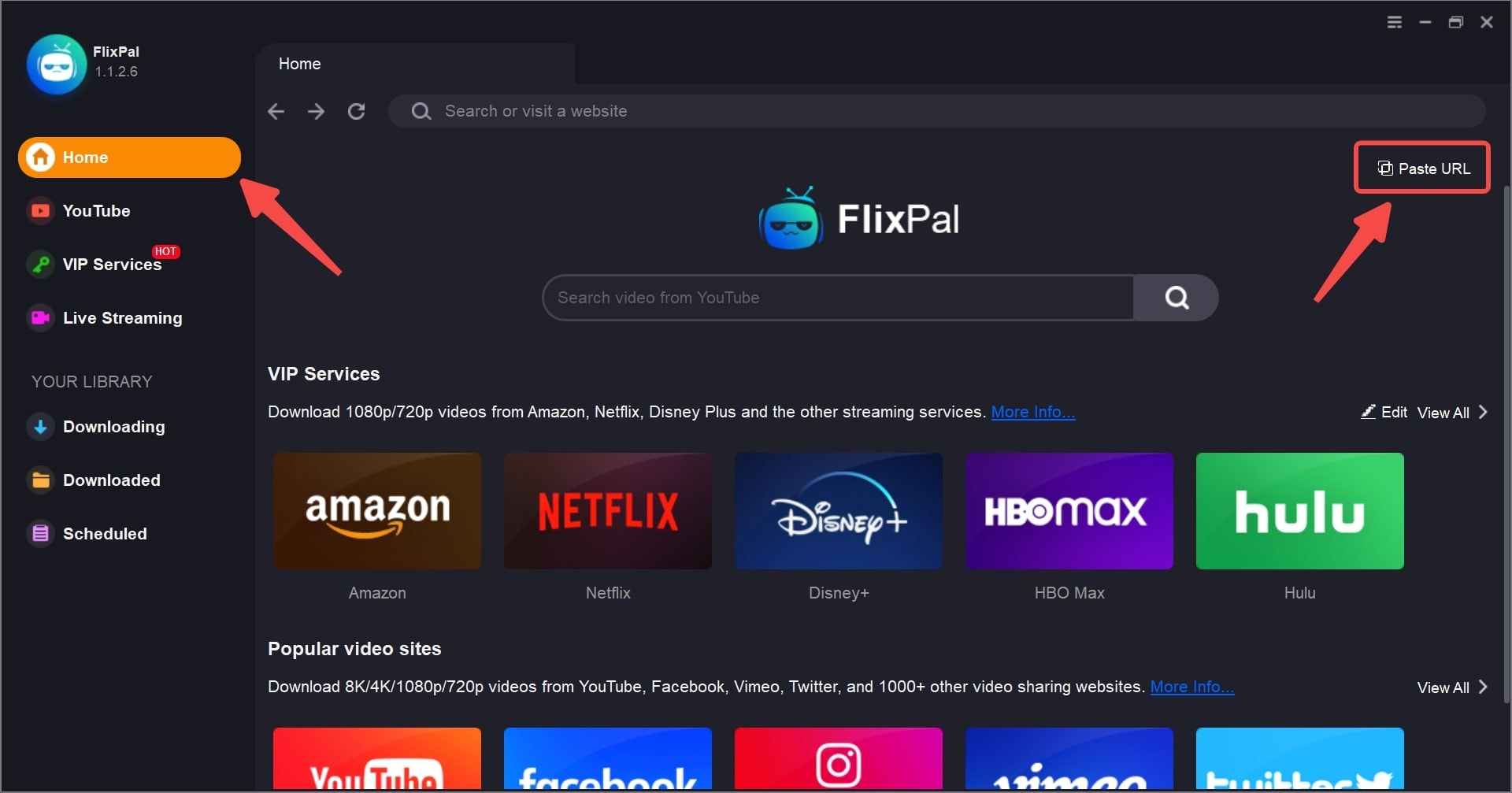
Step 1: Open FlixPal and access JioHotstar with the built-in browser.
Step 1

Step 1: Open FlixPal and access JioHotstar with the built-in browser.

Step 2

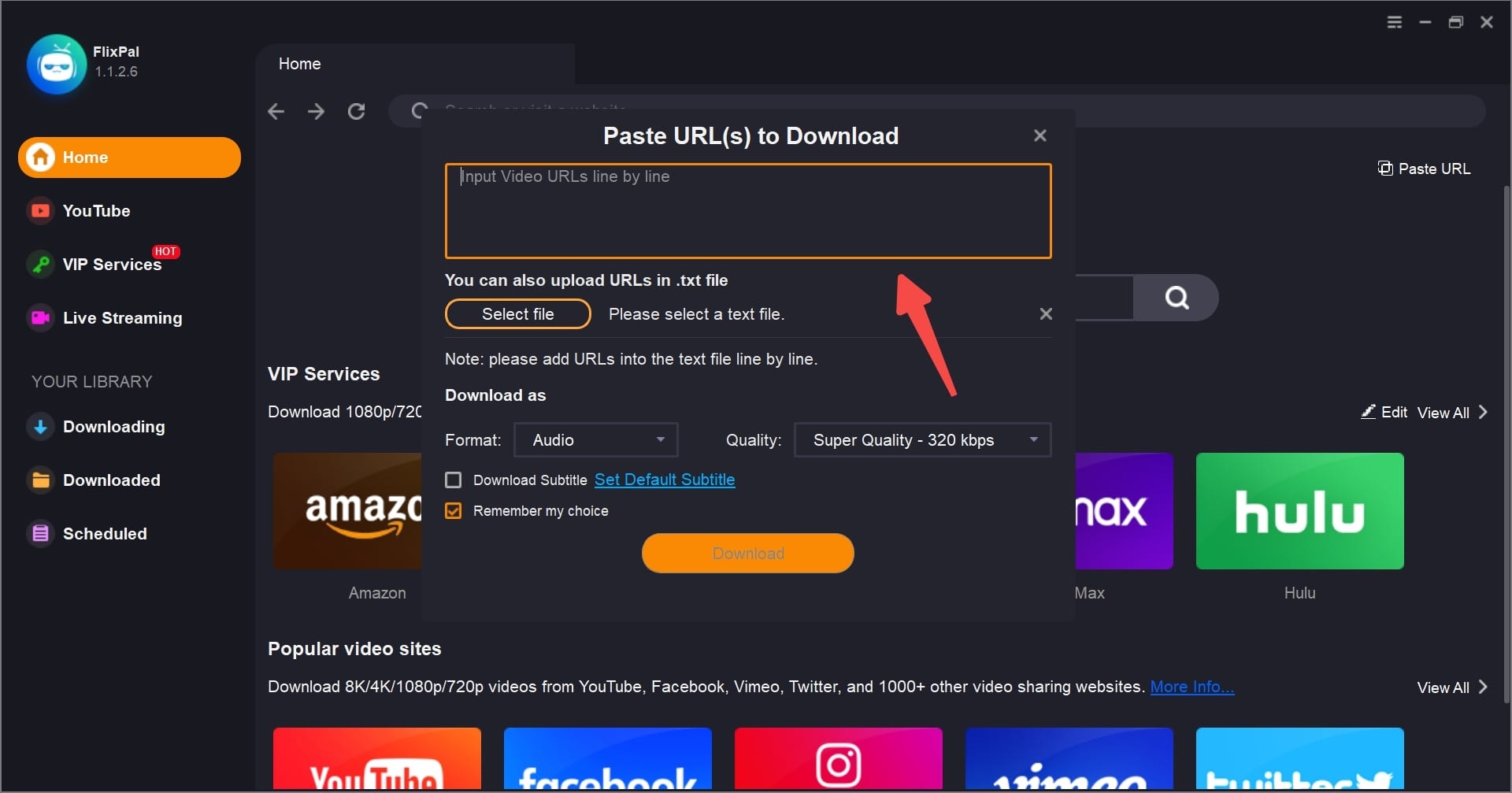
Step 2: Sign in to JioHotstar and play the movie, series, or show you want to download.

Step 3

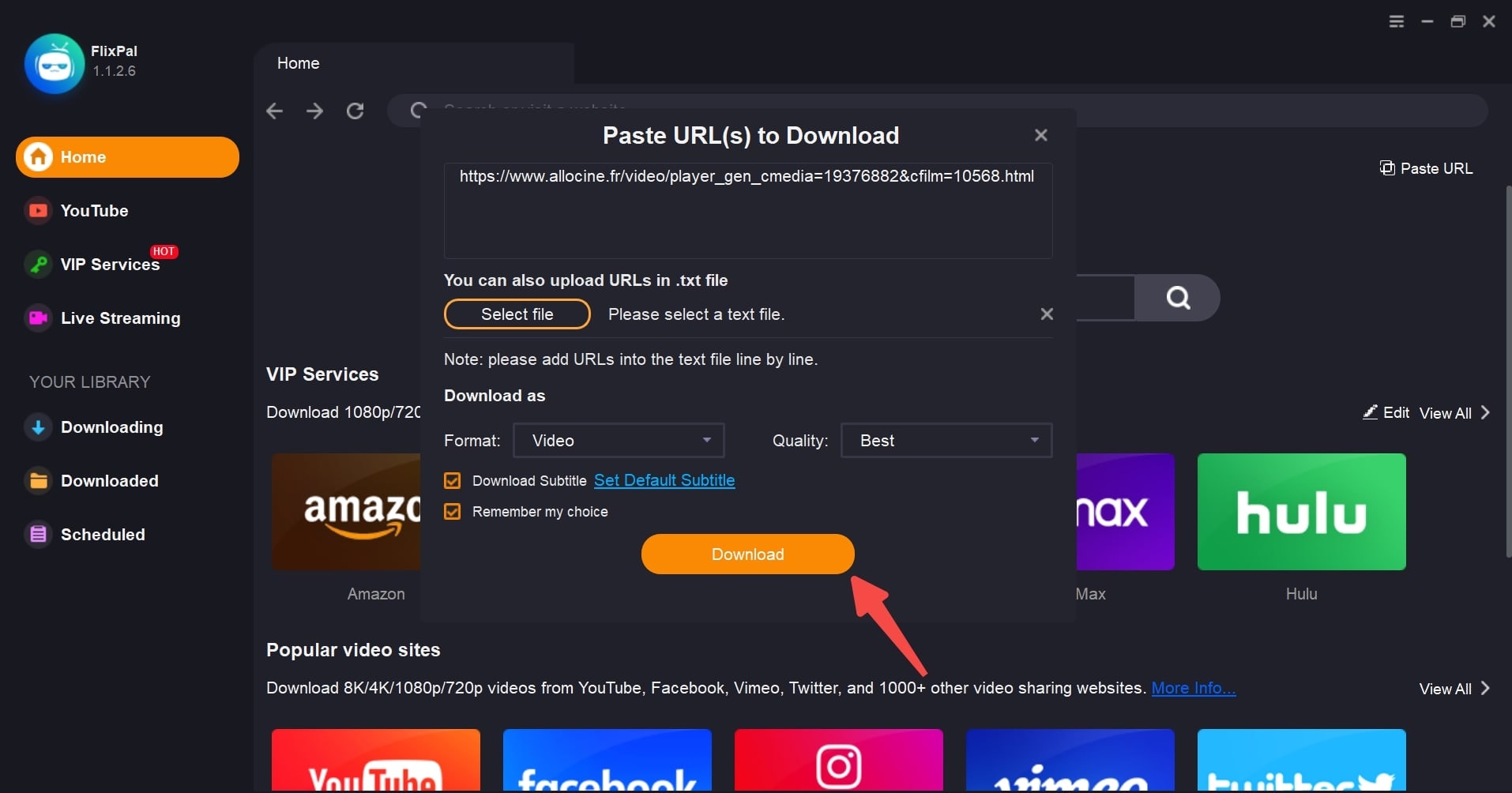
Step 3: Choose your preferred video, audio, and subtitle options, then click "Download Now".

Step 1
Step 2
Step 3
Step 1: Open FlixPal and access JioHotstar with the built-in browser.
Step 2: Sign in to JioHotstar and play the movie, series, or show you want to download.
Step 3: Choose your preferred video, audio, and subtitle options, then click "Download Now".