Features of FlixPal

Download High-Quality 1080p Coursera Videos

FlixPal extracts your chosen educational streams in crisp 1080p resolution while retaining the original AAC 2.0 audio track for optimal clarity.

You get a premium viewing experience on larger monitors because the H.264 encoding prevents any annoying pixelation during complex data visualizations.

Save Subtitles from Coursera Videos as Separate SRT Files

FlixPal automatically grabs all essential course metadata and exports the accurate multi-language captions as standalone SRT files onto your computer. You can easily read through complex technical terminology during your study periods because the downloaded text matches the video pacing perfectly.

Batch Download Multiple Coursera Videos

You can select an entire specialization program at once instead of clicking through dozens of individual lecture pages manually. FlixPal processes these massive batch download requests in the background so you can focus on reading your textbooks while the software organizes your files.

More Features of FlixPal

Download Coursera Videos as Standard MP4 or MKV Files

FlixPal converts Coursera videos into highly compatible MP4 or MKV formats that work securely on nearly every modern media player. You bypass the need for specialized viewing applications and can transfer your saved classes directly to your mobile devices for daily commutes.

Download Coursera Videos as Standard MP4 or MKV Files

FlixPal converts Coursera videos into highly compatible MP4 or MKV formats that work securely on nearly every modern media player. You bypass the need for specialized viewing applications and can transfer your saved classes directly to your mobile devices for daily commutes.

Save Coursera Videos with Built-In Browser in High-Speed

You can search for new machine learning programs directly inside the software using the integrated built-in browser for maximum convenience. FlixPal then applies powerful GPU acceleration to pull those heavy video files onto your hard drive much faster than standard browser extensions.

Auto-Download New Coursera Updates

FlixPal can monitor your enrolled ongoing courses and automatically triggers a new download session the moment a professor uploads fresh lecture material.

You maintain a completely up-to-date offline study archive without ever needing to check the educational platform for weekly curriculum updates.

Auto-Select Your Preferred Audio

You only need to configure your primary language settings a single time before starting your first major extraction project. FlixPal remembers these exact audio preferences and applies them to every future Coursera download to save you from tedious repetitive menu adjustments.

How to Use

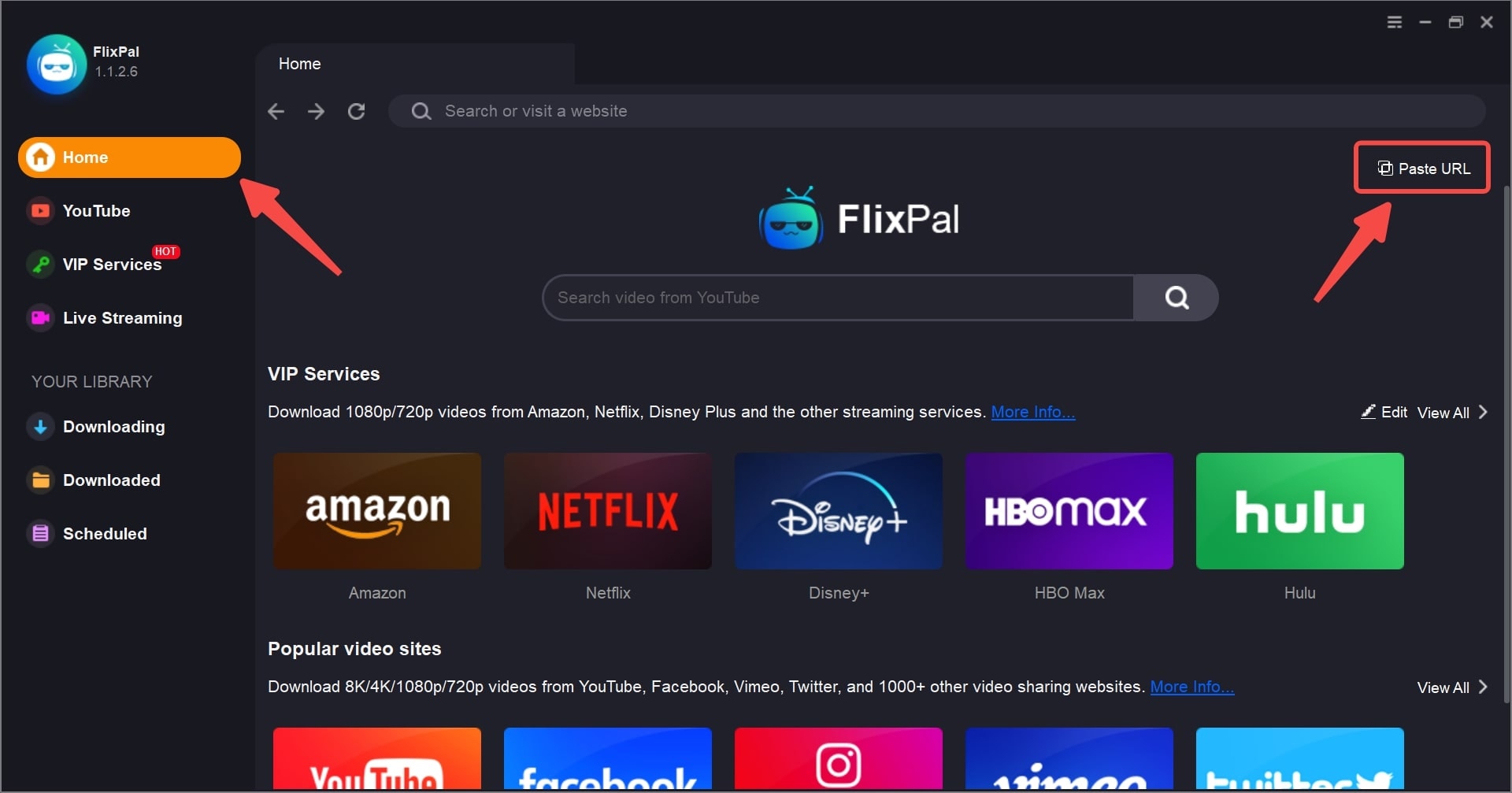
Launch FlixPal and clicking on the specific VIP Services tab to locate the Coursera platform icon.
Step 1

Launch FlixPal and clicking on the specific VIP Services tab to locate the Coursera platform icon.

Step 2

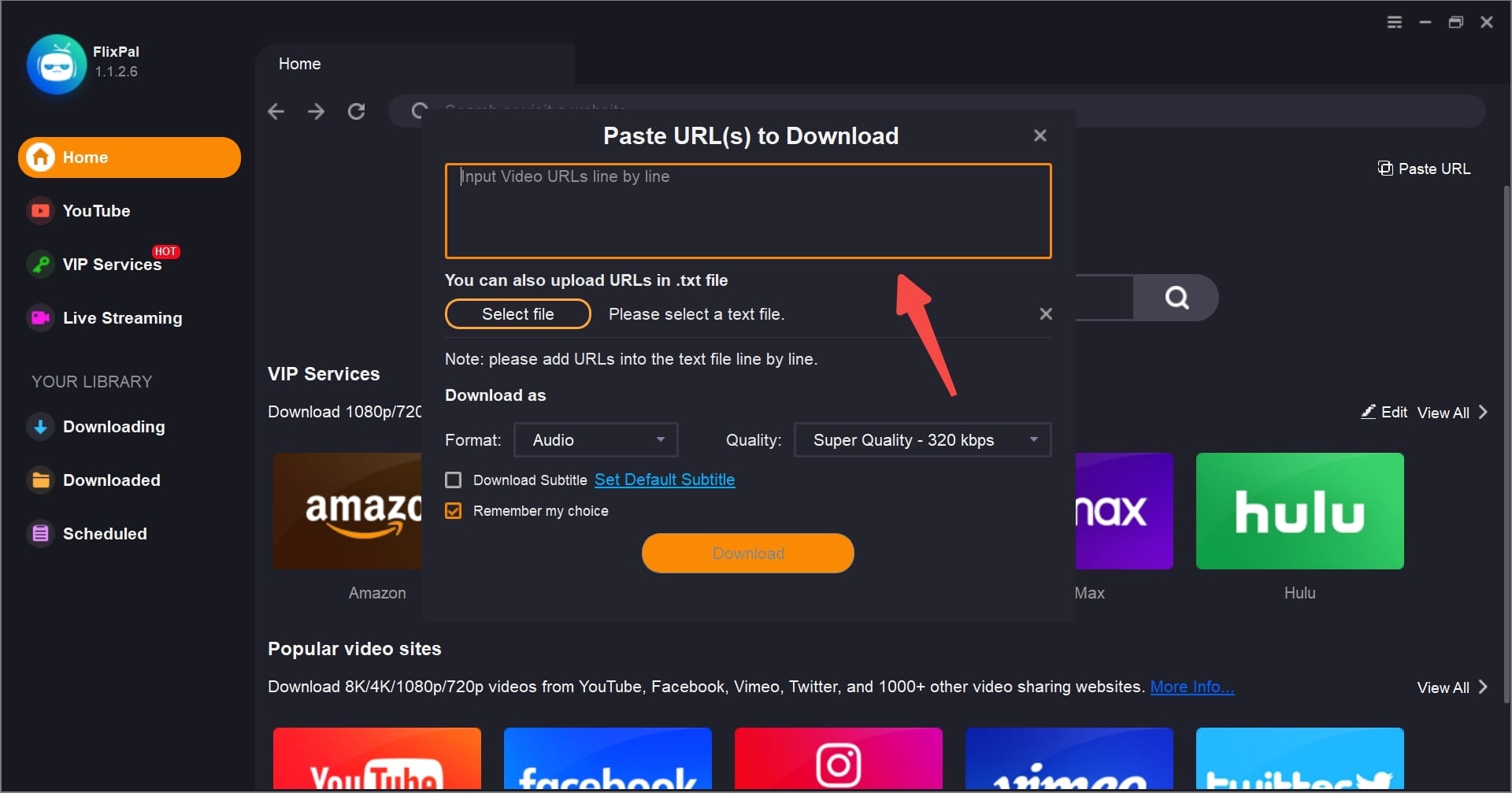
Log into your student account and play the specific lecture video you intend to study offline.

Step 3

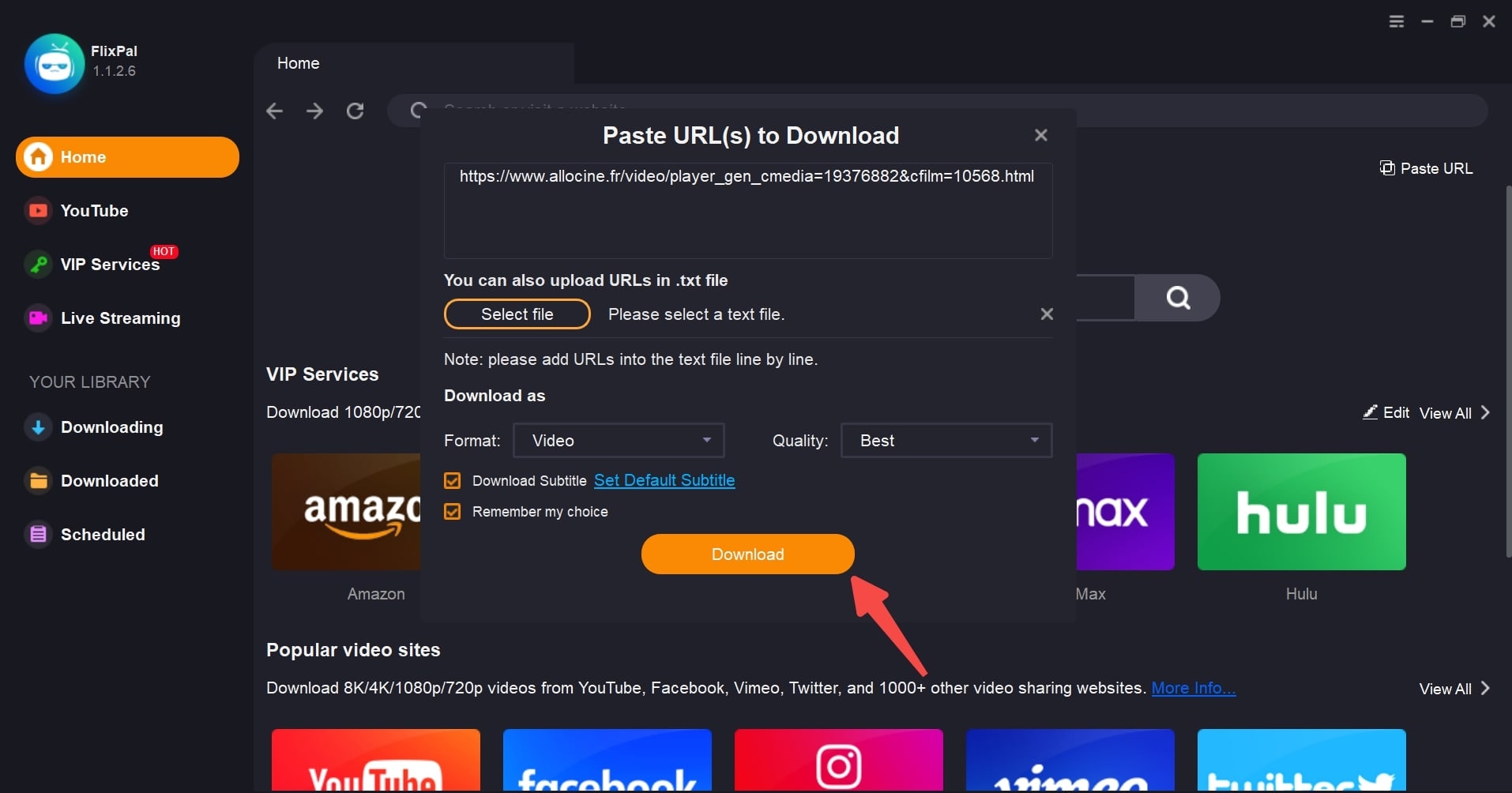
Click the Download Now button to let FlixPal save the current academic module to your computer.

Step 1
Step 2
Step 3
Launch FlixPal and clicking on the specific VIP Services tab to locate the Coursera platform icon.
Log into your student account and play the specific lecture video you intend to study offline.
Click the Download Now button to let FlixPal save the current academic module to your computer.